Shortcut powered
Select text in any app, press your hotkey, and let Refyne return polished text without opening another tab.
Refyne helps you fix typos, improve wording, formalize messages, and shorten text from any app. Select text, press your shortcut, and get a cleaner version in seconds.
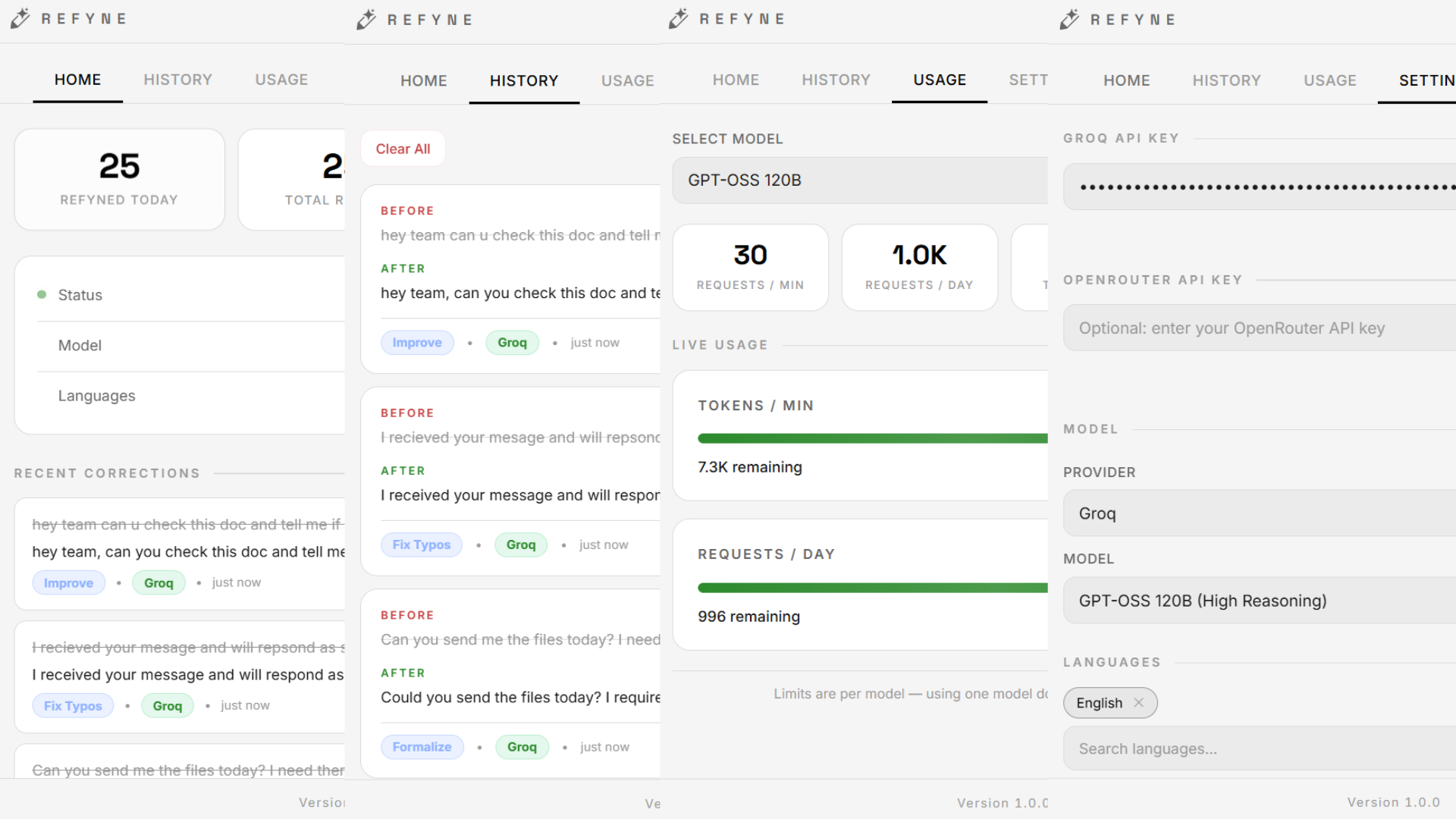
Emails, support replies, docs, chats, posts, and quick notes. Refyne works where your words already are.
Select text in any app, press your hotkey, and let Refyne return polished text without opening another tab.
Fix typos, improve flow, formalize tone, shorten text, or use custom instructions for your own style.
Your selected text, corrected text, clipboard, API keys, and correction history are not sent to analytics.
No copy-paste ritual. No context switching. Just highlight, trigger, choose, and keep moving.
Optional local correction history helps you review past rewrites while keeping your work on your machine.
Use supported providers like Groq or OpenRouter and choose the model that fits your writing workflow.
Refyne was built to stay out of the way, so the writing flow stays yours.
Highlight the sentence, paragraph, or message you want to clean up.
Open Refyne from anywhere on Windows with your global hotkey.
Fix, improve, formalize, shorten, or tell Refyne exactly what you want.
Paste the improved version back and continue working without losing momentum.
Refyne is not another place to paste text. It is a writing layer over the apps you already use.
People love free tools when they are actually useful. Refyne gives visitors a simple reason to try it today: better writing, less friction, no upfront cost.
Download free for Windows →Keep the answers simple, direct, and confidence-building.
Yes. Refyne is free to download and start using. You can connect a supported AI provider key depending on your preferred setup.
Yes. Refyne is built for Windows and can help rewrite selected text across apps using global shortcuts.
No. Select text in the app you are already using, press your Refyne shortcut, choose a mode, and continue working without switching tabs.
Students, founders, support teams, creators, professionals, and anyone who writes messages, docs, emails, or posts every day.
Download Refyne, set your shortcut, and rewrite text anywhere without breaking your flow.
Download Refyne free →